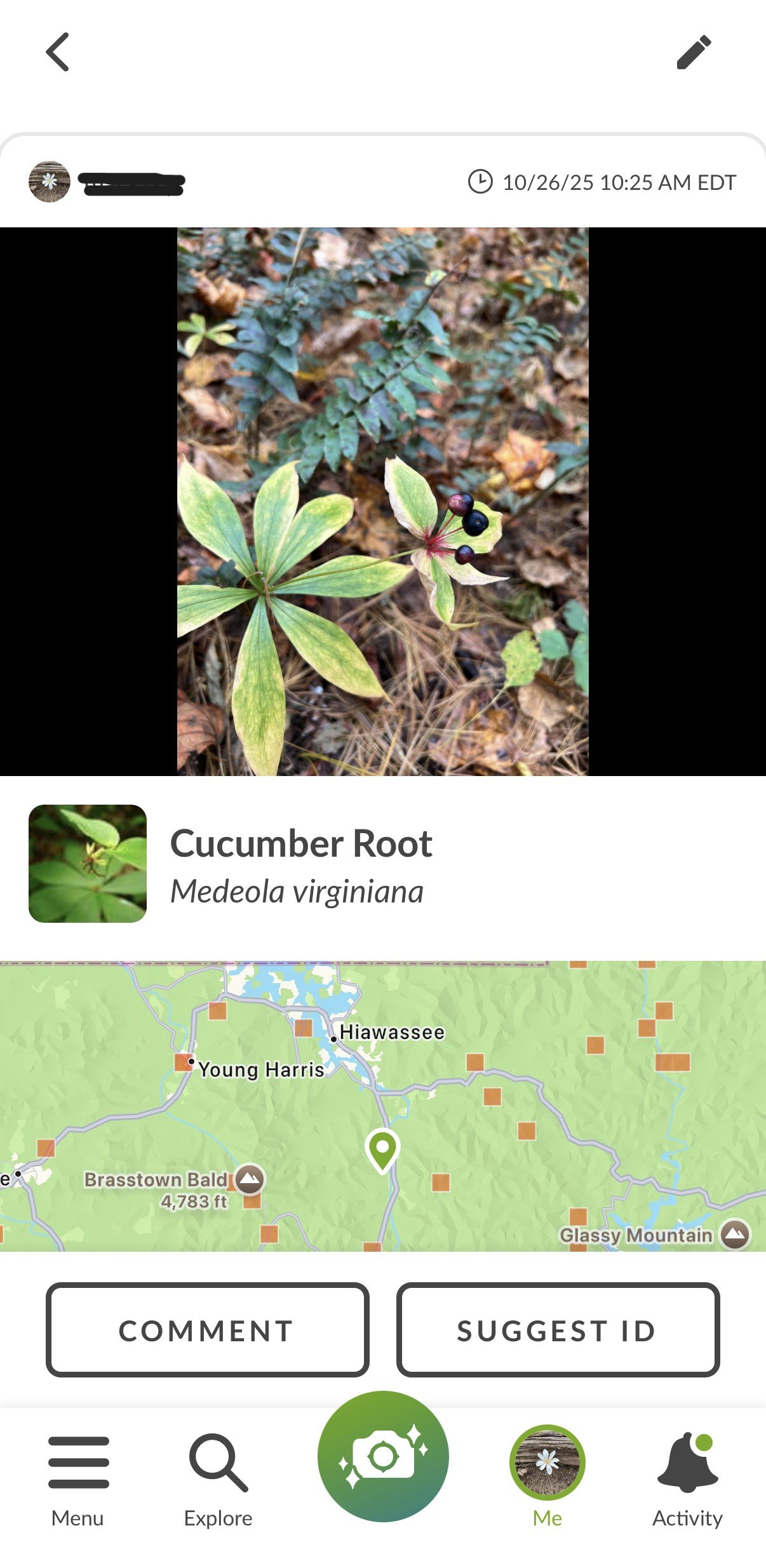
Big Canoe residents and visitors have been photographing and cataloging wildflowers, wildlife and mushrooms at Big Canoe for over 50 years. The iNaturalist website and mobile app provide an easy and comprehensive way to consolidate our observations into one place allowing for year over year comparisons and input from scientists and others around the world. Read more….
A few guidelines:
For any plant that is not wild (i.e., someone planted the plant or its predecessor), mark it as captive/cultivated.
Identify/verify only plants or animals observed by others using personal knowledge of the plant or animal (don’t validate based on AI identification alone).
Capture multiple photos when possible including close ups of leaves, flowers, and bark and a photo of the whole plant.
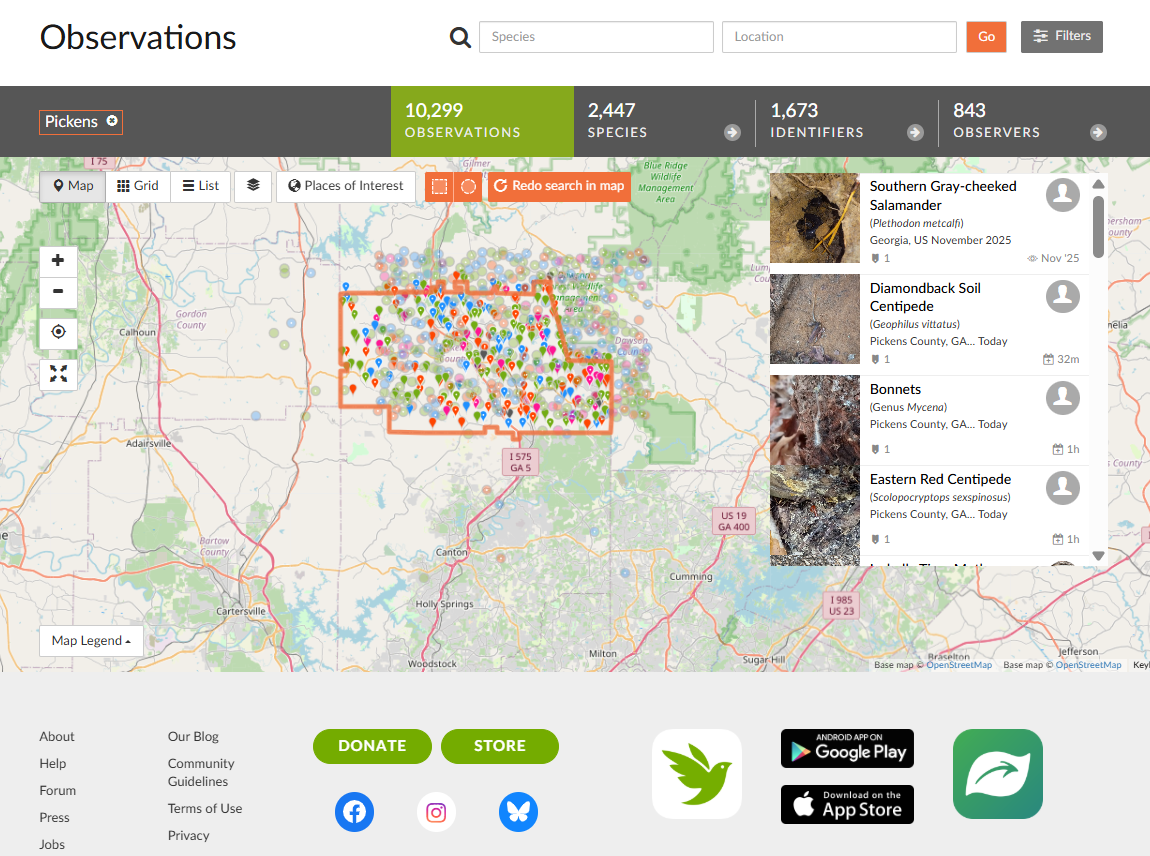
Find Big Canoe to See Observations from Others
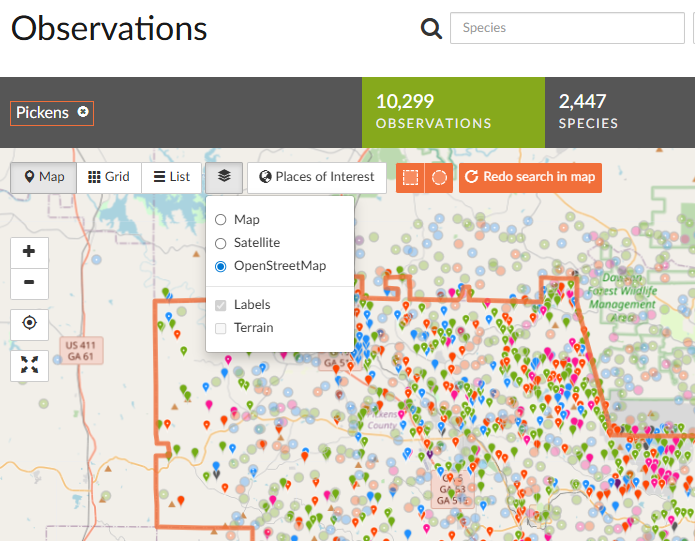
Check out all of the items observed to date in the Big Canoe area. On the Computer, choose the OpenStreetMap option from the layers available on the top of any map to see the outline of Big Canoe along with street names.
Zoom into the map, Big Canoe is outlined in gray. Choose the square to draw a rectangular boundary around the area. Click the filters at the top right to see a selection of organisms found in Big Canoe. Organisms may be wild or captive/cultivated (planted by humans). Introduced and threatened data is added automatically.
To contribute your knowledge and verify or correct existing observations, choose the Needs ID filter to see items that have yet to be verified.
Add Your Observations
For identifying or uploading photos from a computer, go to iNaturalist.org, There are a number of resources online including this YouTube video to provide details on how to use the various features of iNaturalist.
Choose the pencil within the observation to edit information, add additional photos, and categorize observations.