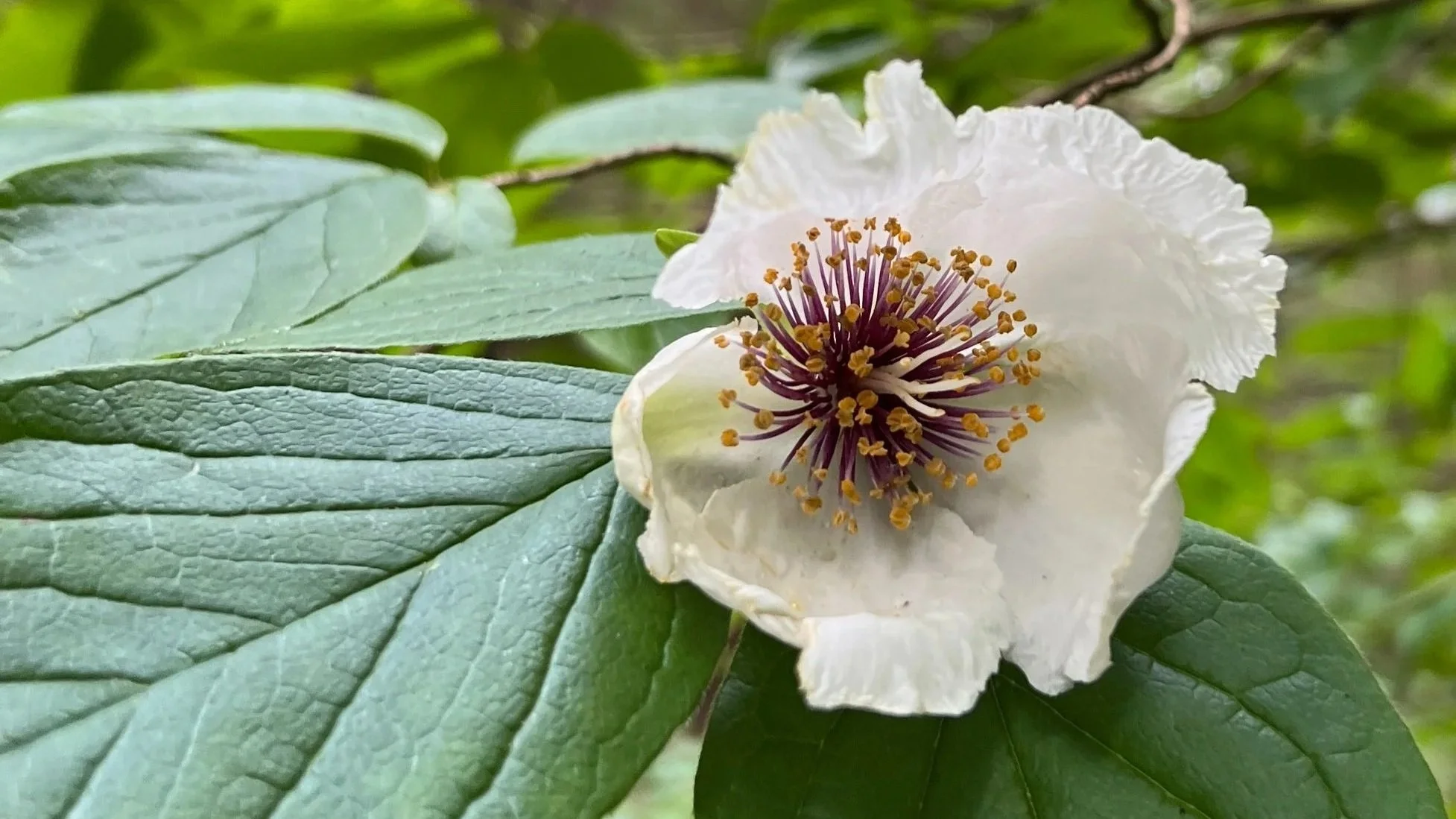
from SmokeSignals, January, 2026
Big Canoe residents and visitors have been photographing and cataloging wildflowers, wildlife and mushrooms at Big Canoe for over 50 years. The iNaturalist website and mobile app provide an easy and comprehensive way to consolidate our observations into one place allowing for year over year comparisons and input from scientists and others around the world.
You may already be familiar with plant identification apps like PictureThis and Seek (which is powered by iNaturalist) that help to distinguish one plant from another, but by adding local plants, animals and fungi to the iNaturalist community you're not just learning something for yourself, but contributing to the collection of natural life in Big Canoe for years to come.
It’s easy to get started. Download iNaturalist to your mobile phone. You can create an account or link to your existing Apple or Google accounts. When creating your account, you can choose a unique display name to maintain privacy. Either take a photo directly from the app on your phone or upload an existing photo to get started participating in the study of the Big Canoe and the world around you.
iNaturalist works using the location information attached to the photo. Depending on how you set the location services on your phone, you may be capturing the location of each photo you take already. If not, you can set your camera to use your location when you use the camera app. Take note if the location setting for Precise Location is set. Turning off Precise Location will give you more privacy, especially if you take a lot of photos at or near your home.
Not only can you use the app to capture nature around you both at home and when exploring the world, you can also contribute to the accuracy of the information captured by others. When any photo is uploaded, iNaturalist attempts to identify the organism. Sometimes the specific species is evident, and sometimes it only provides the class or order of the organism. By using the Explore option and choosing the map, photo, or list view, you can see what others have captured in your area and provide input on the accuracy of the identification. Only after verification by others are observations considered Research Grade. You can also suggest a different identification based on personal knowledge or information found in the many plant identification sources available.
While most of the nature around us wasn’t placed by humans, some of the plants along our trails were planted. If you are aware of such a planting, you can document it by editing your observation and marking it Captive/Cultivated instead of Wild. You can add notes to any observation including the information about planting dates for cultivated plants.
If you wish to upload photos taken with a camera, it may be easier to update them on your computer using iNaturalist.org. Using the upload button, you can add a photo then use the search function to identify the species. Choose the approximate location on the map and pin any locations you use frequently like “Nature Valley.” You can always choose to obscure the location to protect rare plants.
This website also allows you to filter and sort observations in many different ways. By choosing the Open Street Map layer under the Observations tab, you can even see the outline of Big Canoe and select observations within the borders to export or review.
For more details about how to use both the website and the phone apps, you’ll find how to guides linked to wildflowerbunch.com/plantid. Now you are ready to begin capturing the wonderful world around you!